API Keys
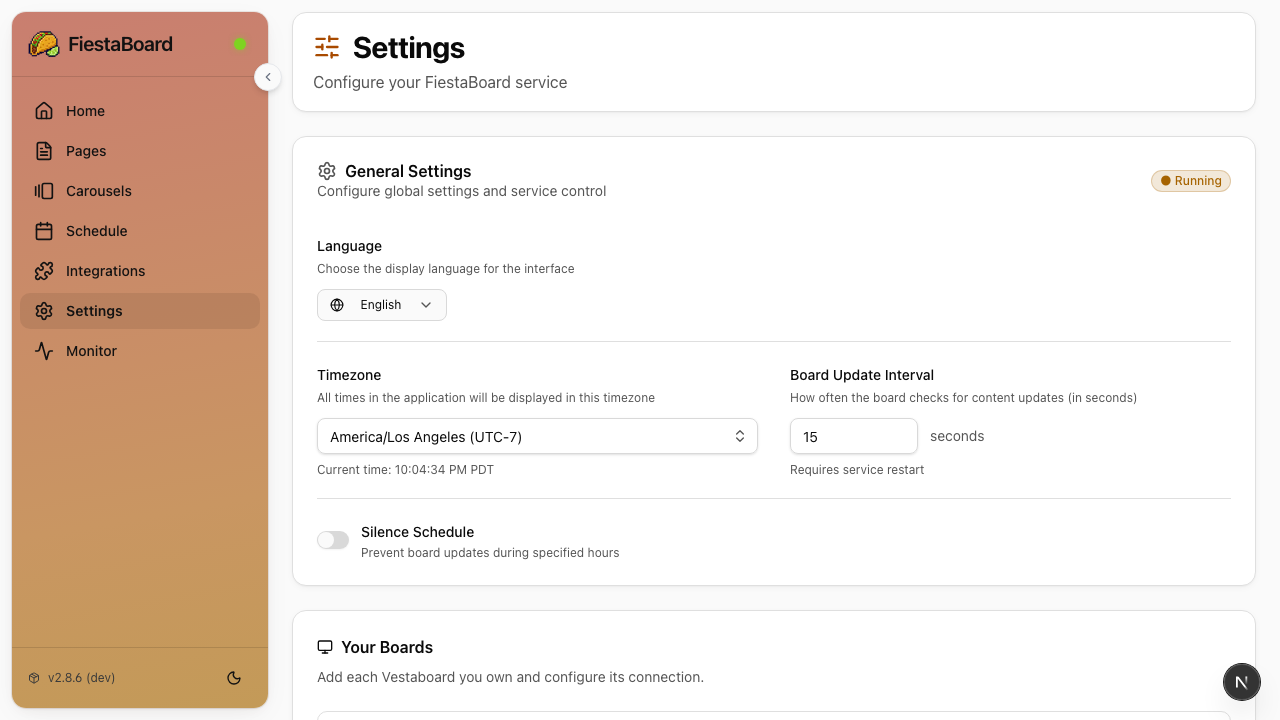
FiestaBoard only requires your board's API key to start, and the install wizard collects it for you during setup. Plugin API keys are entered through the web UI's Integrations page as you enable plugins.
Required: Board API Key
The install wizard asks for this during setup. If you need to find or change your key later:
Local API Key (Recommended)
Faster updates, supports transition animations, requires same-network access.
- Open the board's mobile app
- Go to Settings → Local API
- Copy your API key and note the board's IP address
Cloud Read/Write API Key
Works from anywhere with internet. No transition animation support.
- Go to web.vestaboard.com
- Log in with your board account
- Navigate to the API section
- Enable the Read/Write API
- Copy your API key
If you're setting up manually (without the wizard), see
env.examplefor the environment variable names (BOARD_LOCAL_API_KEY,BOARD_HOST,BOARD_READ_WRITE_KEY, etc.).
Plugin API Keys
These are optional. Enter them in the Integrations page of the web UI as you enable plugins. Many plugins work without any API key at all.
Plugins That Need API Keys
| Plugin | Where to Get the Key | Free Tier |
|---|---|---|
| Weather | weatherapi.com or openweathermap.org | 1M calls/month (WeatherAPI) |
| Traffic | Google Cloud Console (Routes API) | $200/month credit |
| Home Assistant | Your HA instance → Profile → Long-Lived Access Tokens | Self-hosted |
| Last.fm | last.fm/api/account/create | Unlimited |
| Muni Transit | 511.org/open-data/token | Free |
| WSDOT Ferries | wsdot.wa.gov/traffic/api | Free |
| Air Quality | PurpleAir or OpenWeatherMap | Varies |
Plugins With Optional API Keys
| Plugin | API Key | What It Unlocks |
|---|---|---|
| Stocks | finnhub.io | Better symbol search/autocomplete |
| Sports Scores | thesportsdb.com | Extended data |
| Nearby Aircraft | OpenSky Network | Higher rate limits |
Plugins That Need No API Key
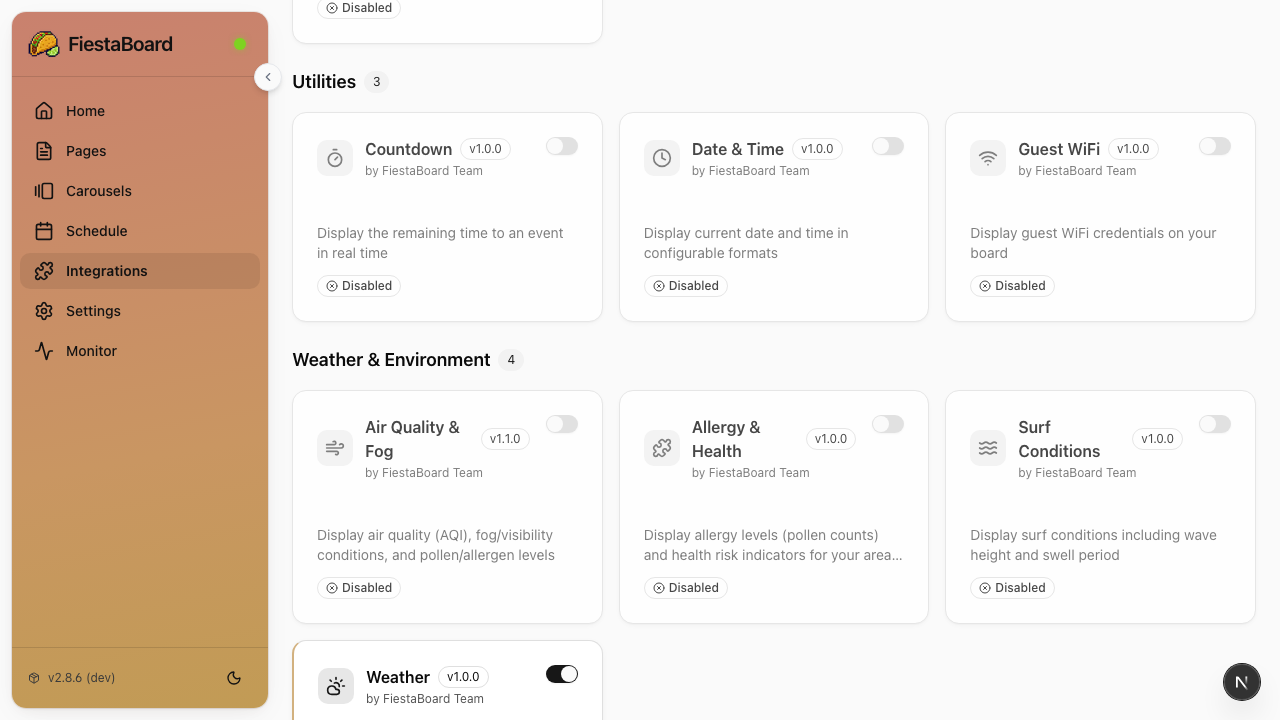
These work out of the box:
- Bay Wheels
- Date & Time
- Disney Parks
- Guest WiFi
- Star Trek Quotes
- Sun Art
- Surf
- Visual Clock
Next Steps
- Plugins Overview - Configure and enable plugins
- Quick Start - Get FiestaBoard running