Guest WiFi
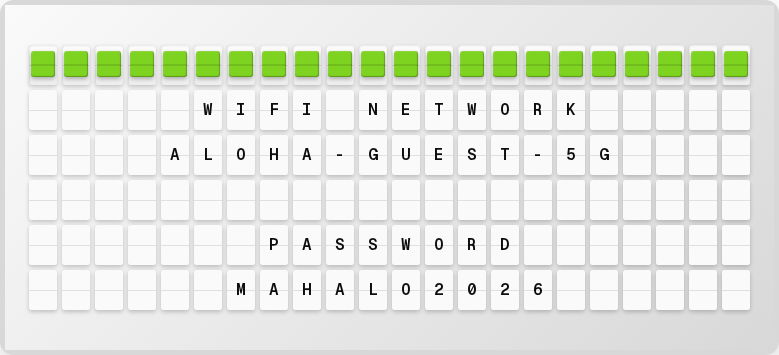
Display your guest WiFi network name and password on the board for visitors. No API key required.
Overview
The Guest WiFi plugin provides a simple way to share WiFi credentials:
- Network name (SSID)
- Password
- No external services needed -- just enter your credentials
Setup
- Open http://localhost:4420
- Go to the Integrations page
- Toggle Guest WiFi on
- Enter your network name and password
- Click Save Changes
Available Variables
| Variable | Description | Example |
|---|---|---|
{guest_wifi.ssid} | Network name | MYNETWORK-GUEST |
{guest_wifi.password} | WiFi password | WELCOME2024 |
Example Page Layout
┌──────────────────────┐
│                      │
│  WIFI NETWORK        │
│  MYNETWORK-GUEST     │
│  PASSWORD            │
│  WELCOME2024         │
│                      │
└──────────────────────┘
Next Steps
- Page Editor -- Design your WiFi display layout
- Plugins Overview -- See all available plugins