Air Quality & Fog
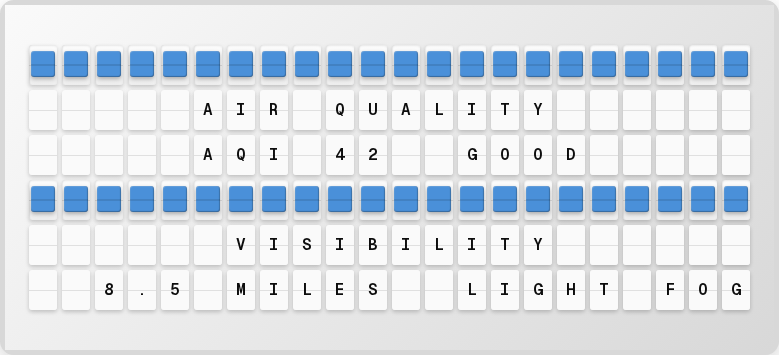
Display air quality index (AQI) and fog/visibility conditions on your board using PurpleAir and OpenWeatherMap data.
Overview
The Air Quality & Fog plugin provides:
- Current AQI with color-coded status
- Fog and visibility conditions
- Configurable location via coordinates
Setup
1. Get API Keys
PurpleAir (for AQI):
- Sign up at purpleair.com
- Request an API key from the PurpleAir data page
OpenWeatherMap (for visibility/fog):
- Sign up at openweathermap.org
- Free tier: 1,000 calls/day
2. Enable in the Web UI
- Open http://localhost:4420
- Go to the Integrations page
- Toggle Air Quality & Fog on
- Enter your API keys and set your location coordinates
- Click Save Changes
Available Variables
| Variable | Description | Example |
|---|---|---|
{air_fog.aqi} | Air Quality Index value | 42 |
{air_fog.air_status} | Air quality status text | GOOD |
{air_fog.air_color} | Color indicator for AQI | {66} |
{air_fog.fog_status} | Fog/visibility status | LIGHT FOG |
{air_fog.visibility} | Visibility distance | 8.5 MILES |
{air_fog.formatted} | Formatted display string | AQI 42 GOOD |
Next Steps
- Weather Plugin -- Pair with weather data
- Plugins Overview -- See all available plugins