Visual Clock
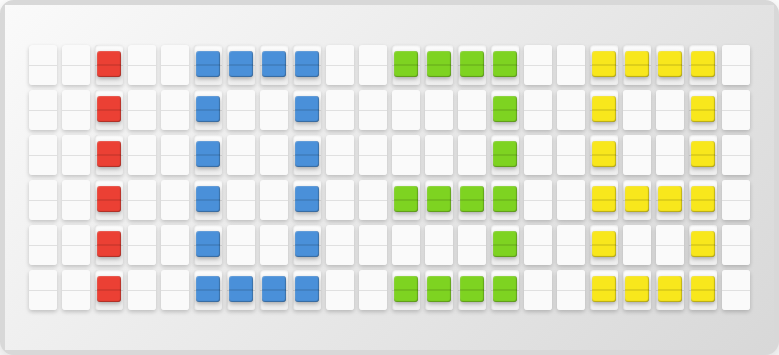
Display a full-screen clock with large pixel-art style digits that fills the entire board. No API key required.
Overview
The Visual Clock plugin creates a large, colorful clock display:
- Full-board pixel-art digits
- 12-hour or 24-hour format
- Multiple color patterns (solid, pride, rainbow, sunset, ocean, retro, and holiday themes)
- Configurable digit and background colors
Setup
- Open http://localhost:4420
- Go to the Integrations page
- Toggle Visual Clock on
- Choose your time format, color pattern, and timezone
- Click Save Changes
Available Variables
| Variable | Description | Example |
|---|---|---|
{visual_clock.visual_clock} | Full-screen clock display (use alone) | (full board) |
{visual_clock.time} | Current time as text | 12:34 PM |
{visual_clock.time_format} | Current format setting | 12h |
{visual_clock.hour} | Current hour | 12 |
{visual_clock.minute} | Current minute | 34 |
Color Patterns
| Pattern | Description |
|---|---|
| Solid | Single color digits |
| Pride | Rainbow pride flag colors |
| Rainbow | Full spectrum gradient |
| Sunset | Warm orange/red tones |
| Ocean | Cool blue/green tones |
| Retro | Nostalgic color palette |
| Christmas | Red and green holiday theme |
| Halloween | Orange and purple theme |
Next Steps
- Sun Art Plugin -- Another full-screen display
- Schedule -- Rotate between clock and other content
- Plugins Overview -- See all available plugins